How it works
From signup to applying Indicator to your charts in easy steps.
Follow the complete journey from registration to placing trades with the indicator.
Step 1
Register
Create your EquityBios account in seconds.
Step 2
Purchase
Choose EquityBios Pro and complete secure checkout.
Step 3
Receive License
Get your unique license key automatically after payment.
Step 4
Download
Access your product from the customer dashboard.
Step 5
Apply indicator on TradingView
Add the downloaded indicator to your TradingView charts.
Step 6
Place trades as per indicator
Use the indicator signals to guide your trading decisions.
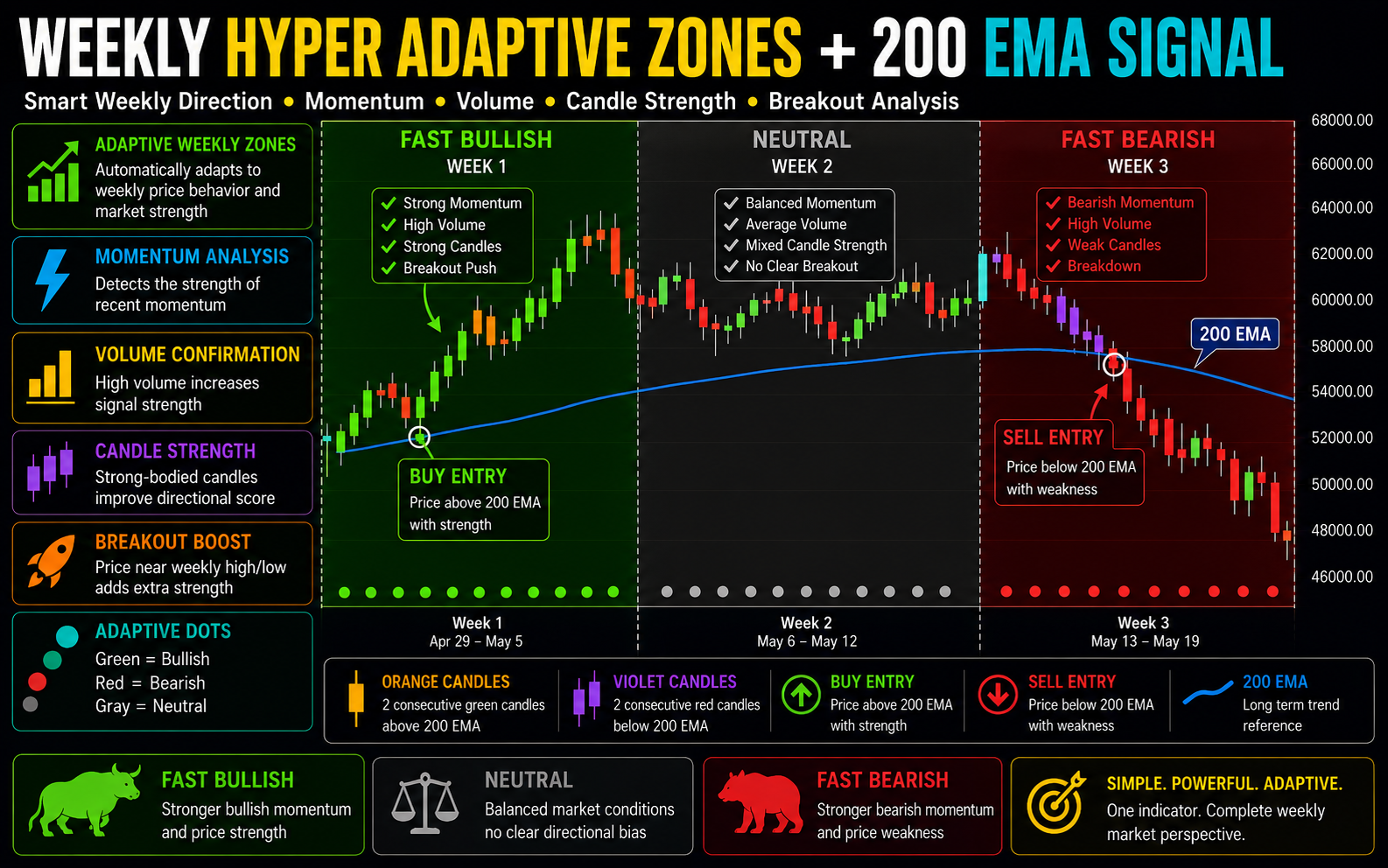
Free trading strategies
Read free strategy setups in detail
Tap any image to zoom in and review the chart clearly.
FAQ
Frequently asked questions
Quick answers about licensing, access, and support.
Contact
Get in touch
Have a question? Reach us at support@equitybios.com or send a message below.